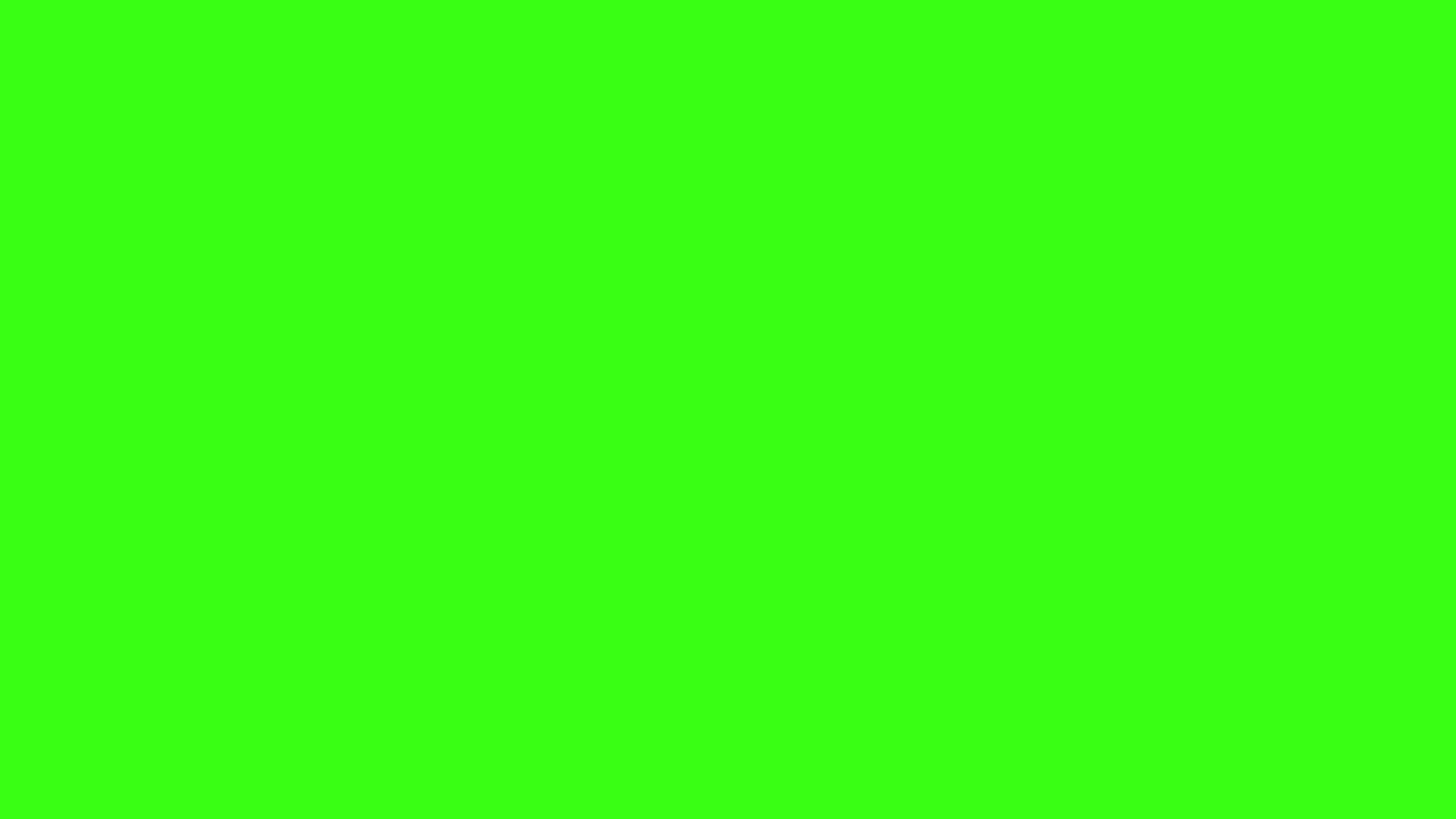
Solid Neon Green Background #39FF14
Copy CSS snippets
Ready to copy
Adjust the Color
Solid Neon Green background details
With hex #39FF14 (rgb(57, 255, 20)), this versatile mid-tone green tone sits around 111° on the color wheel. Its bold, saturated appearance reads as lively and organic on screen. Use the values and preview above to test it in the layout where it will actually appear.
Neon Green Belongs on a Screen
No pigment can reproduce this color; it lives on screens alone. #39FF14 pushes the green channel to maximum against near-zero red and blue, a combination no printed ink reproduces at full intensity, which is why Neon Green belongs to gaming rigs, terminal text, and festival graphics rather than paint decks. It is the closest a hex code gets to an actual glow.
Deploy it in small, sharp doses. On matte black it recalls phosphor terminals and night-vision displays; as a full background it overwhelms almost any content within seconds. Keyboard backlighting, waveforms, cursor accents, and streamer branding are its natural habitats. One line of it energizes a dark layout more than a whole field of it ever could.
A palette that works with Neon Green
Matte black and graphite give the glow something dark to burn against, while neon pink and dark purple extend it into a full cyberpunk scheme without diluting the intensity.
Quick specs
- HEX
- #39FF14
- RGB
- rgb(57, 255, 20)
- HSL
- hsl(111, 100%, 54%)
- Readable text
- #FFFFFF
background-color: #39FF14;
Where Neon Green shines
- Neon Green backgrounds for wellness or sustainability dashboards
- Lifestyle photography backgrounds that highlight natural textures
- Hero sections that need a calm but modern accent color
Practical tips
- Both dark and light copy read well here—use weight/size to dial in emphasis (the Copy RGB/HEX buttons above make it easy to grab the exact values).
- Use the adjustment sliders to nudge the hue when you need a complementary accent.
- The download tool exports PNG/JPEG files up to 7680×7680, so you can drop the color straight into mockups or presentations.
Related shades
Popular solid background pages
Neon Green background FAQs
Can I download a solid Neon Green background?
Yes. This solid neon green background is available as free PNG and JPEG downloads for HD desktop, 4K, phone, square, and custom sizes.
What is the HEX code for Neon Green?
Neon Green uses HEX #39FF14 and rgb(57, 255, 20). You can copy both values from this page or adjust the shade before exporting a background image.
Is Neon Green better for phone or desktop wallpaper?
Neon Green is a strong all-purpose wallpaper color. Use the 4K or HD preset for desktop screens and the 1080x1920 preset for a solid neon green phone background.